Exporting Packages
Overview
A project file (.nexus) refers to your source data where it lies on disk, so it opens only on a computer that has the same files in the same places. A package (.nexuspkg) bundles the project and its source data files into one file, so you can send it to a colleague, archive it, or move it to another computer.
A package contains:
- the project itself — panels and layout, workspace, timeline, annotations, notes and script results, the same as a saved project file;
- a copy of every source data file the project uses, together with the files they need to reopen, such as a CSV’s metadata log or the other files of a multi-file acquisition.
Exporting a package
- Open the nexus menu in the top-left corner and choose Export Package…
- Choose a name and location. The name defaults to the project’s name with the
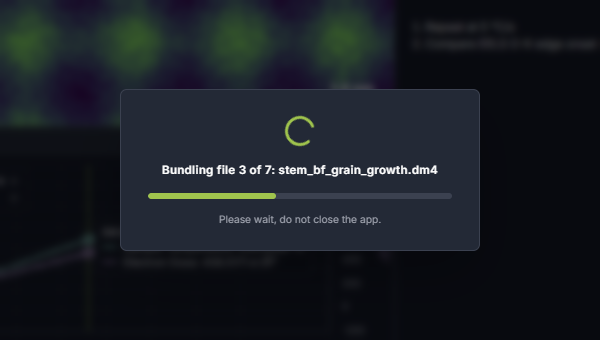
.nexuspkgextension. - Nexus copies the data files into the package, showing its progress as it goes (Bundling file 3 of 12: …). Don’t close Nexus while it runs.
When it is done, a message says Package exported with the file name.
A package holds full copies of your data, so it can be as large as all of the project’s source files together.
Opening a package
Open a package like any project:
- nexus menu → Open Project, then choose the
.nexuspkgfile; or - double-click the
.nexuspkgfile in Windows Explorer.
Nexus unpacks the data files to a temporary folder for the session and opens the project from there, so it does not need the original files or folders.
Saving a project opened from a package
Save never writes over the package. The first time you save, Nexus asks where to save the project as a .nexus file, as Save As… does.
When you save, Nexus copies the package’s data files into a folder named after the project, <project name>_sources, next to the .nexus file, and the project refers to those copies. Keep that folder with the project file. To share or archive the project as one file again, use Export Package….